Safe — Password-Protected Local Vault
Bunlong Heng
February 5, 2026
Safe is for the things you want accessible but not exposed — API keys you use daily, seed phrases you need to reference, any text you'd rather not leave visible on screen.
What it does
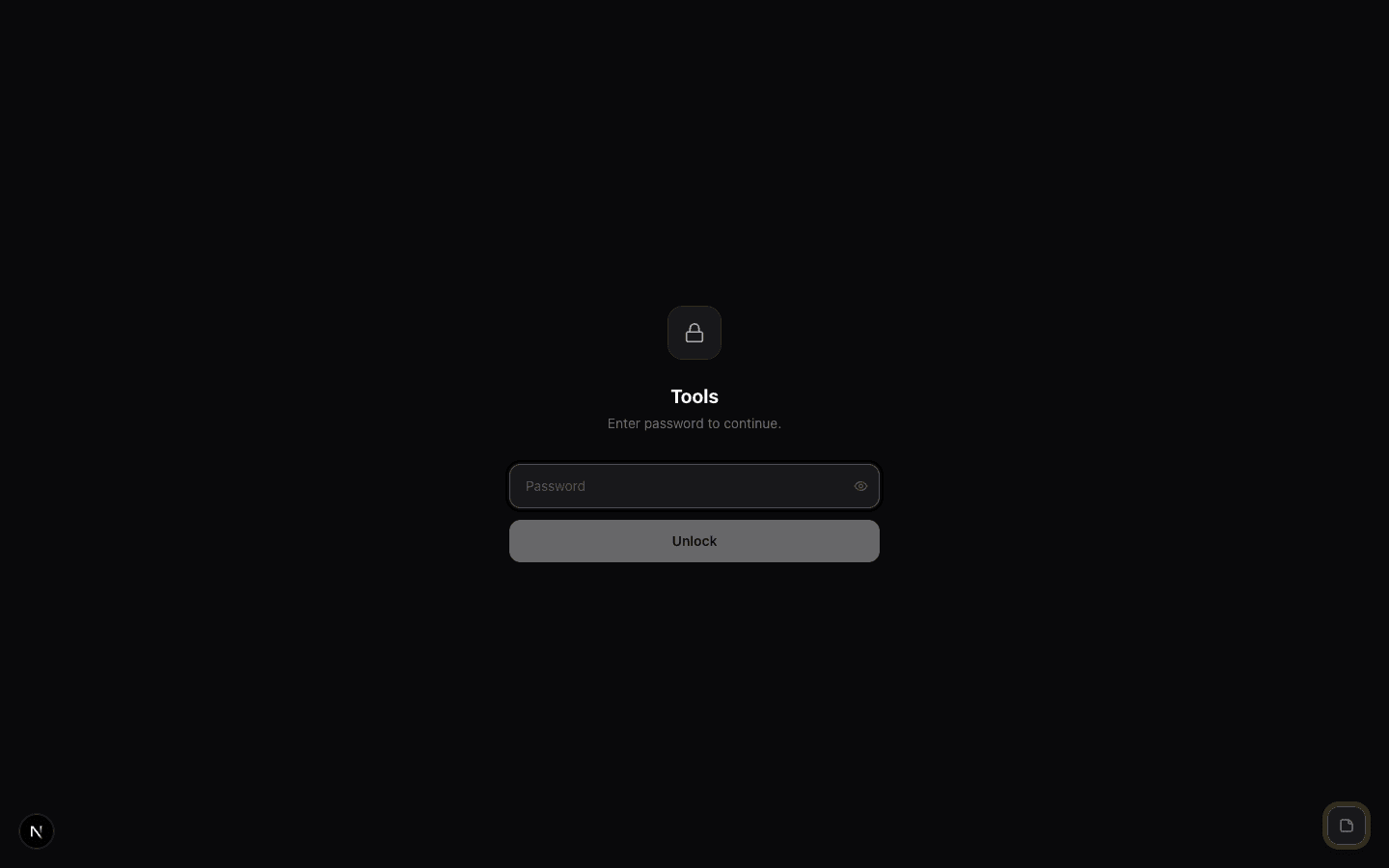
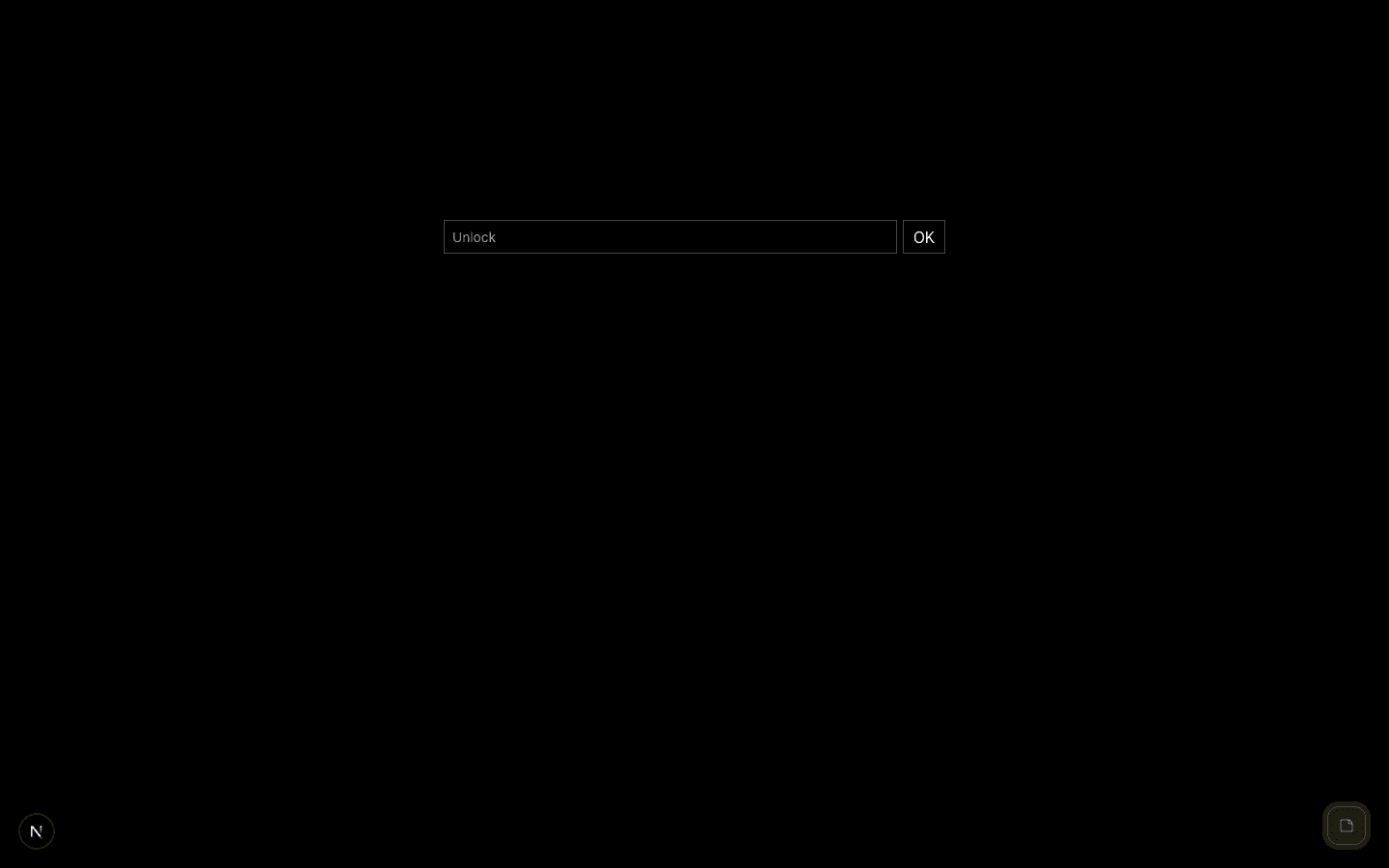
Set a password on first use. Your content is stored locally, encrypted. After 30 seconds of idle — or when the app loses focus — everything masks automatically. You have to re-enter the password to see it again.
Anti-password-manager design
Safe includes honeypot fields that look like login inputs to confuse password managers. The real input fields are designed to avoid autofill. This is intentional: you don't want a password manager storing the password to your local vault.
What it's not
Safe is not a replacement for 1Password or a secrets manager. It's a local scratchpad for items you access frequently enough that a full vault would slow you down — but sensitive enough that you don't want them in a plain text file.
All data stays local. Nothing is transmitted.
Comments
Be the first to leave a comment.
Related Posts