clipboardsharingsupabasereal-timeqr-codefile-transfer
WebDrop — AirDrop for the Browser
B
Bunlong Heng
January 20, 2026
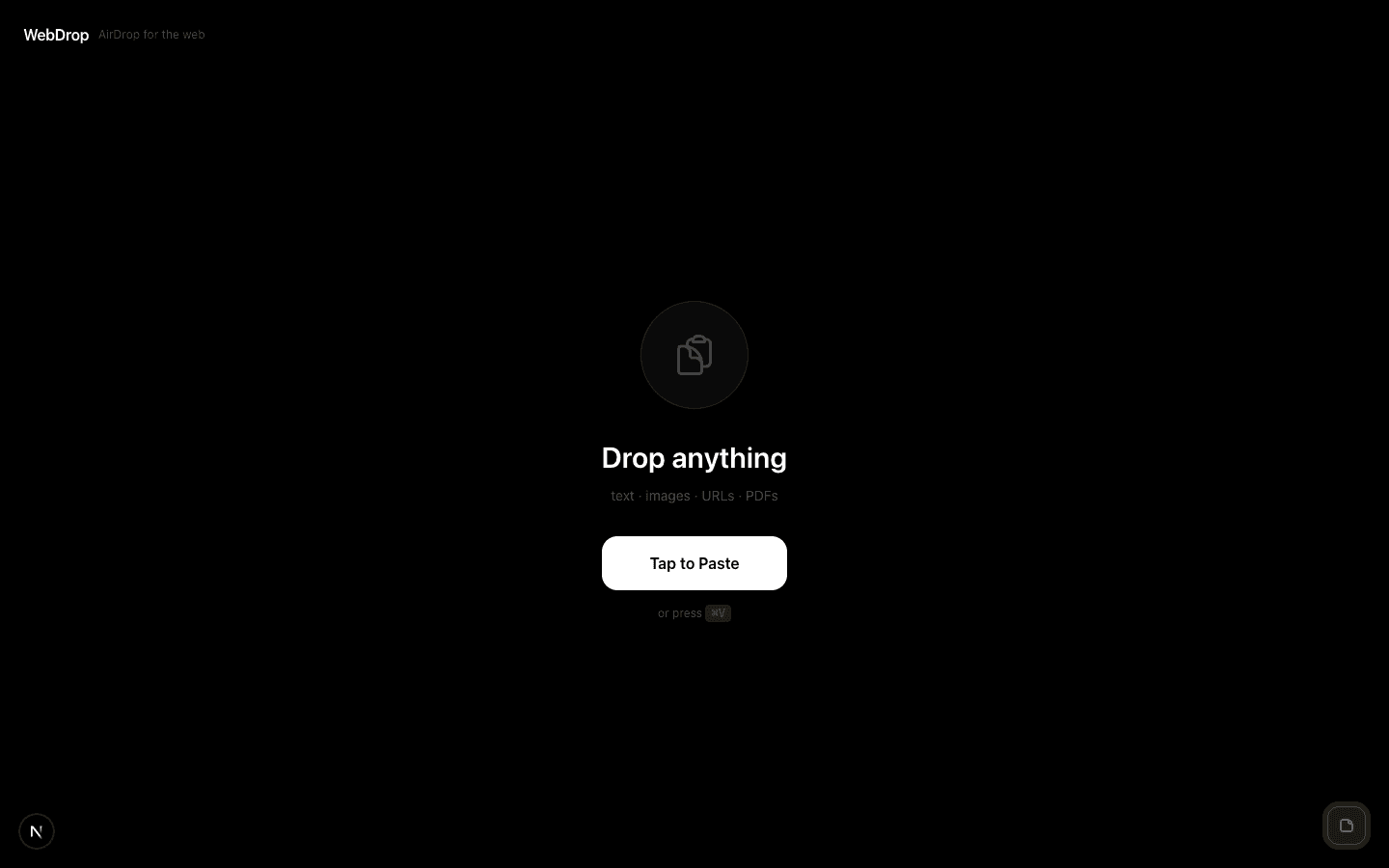
AirDrop only works between Apple devices. WebDrop works between anything with a browser — paste content, share a link, done.
What it does
Paste anything — text, an image, a PDF, a file up to 10MB. WebDrop uploads it to Supabase, generates a unique shareable URL, and displays a QR code you can scan immediately.
The clever part: read receipts
When the receiver opens the link, the sender gets a real-time notification. Powered by Supabase Realtime — the sender's tab updates the moment the other side loads the page. You know it landed.
Use cases
- Copy something from your laptop, open it on your phone by scanning the QR code
- Send a file to someone in the same room without emailing it to yourself
- Share a clipboard snippet with a colleague without a messaging app
Technical details
Content is stored temporarily in Supabase Storage. Links expire after a set period. The 10MB limit keeps storage costs manageable. No user accounts required — the link is the auth.
Comments
Be the first to leave a comment.
Related Posts