Stickies
Bunlong Heng
March 31, 2026
It started as a sticky notes app. Then it got real-time sync, six view modes, burn-after-read sharing, and Philips Hue integration. It's the kind of project that happens when you keep asking "what if this could also do that."
What It Is
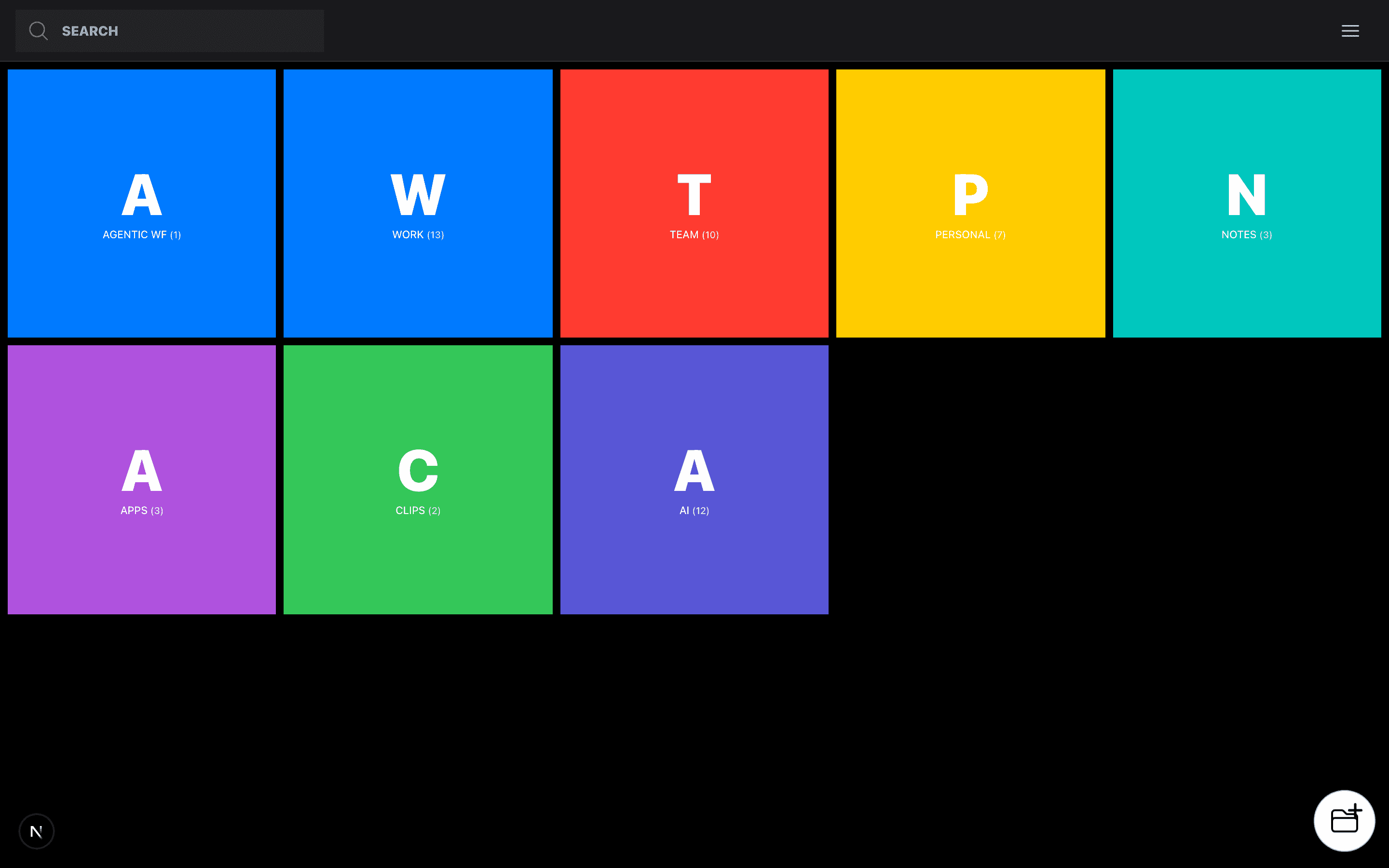
Stickies is a personal notes board with a Supabase backend, Google OAuth, real-time sync via Pusher, and an absurd number of ways to view your notes. The core is straightforward — colorful notes, nested folders with emoji icons, full CRUD. The surrounding surface area is not straightforward.
Key Features
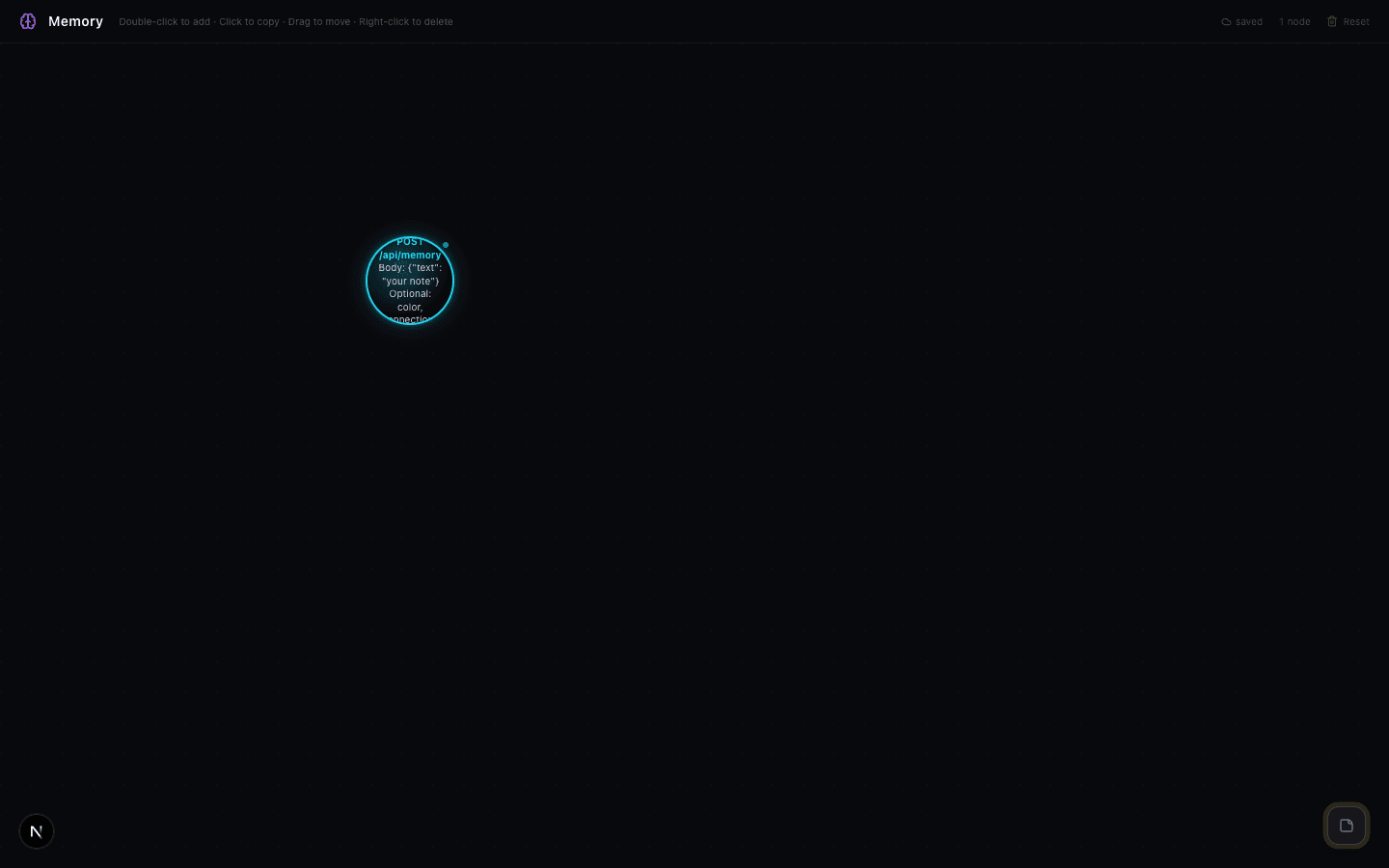
Six view modes, one note. Every note can be viewed as a Board card, a compact List item, a force-directed Graph node, a syntax-highlighted Markdown render, an HTML preview, a Mindmap branch, or a 3D layered Stack (a building silhouette built from note content, tapered and glossy). Switching modes is instant; the data doesn't change, only the renderer.
Real-time sync via Pusher. Open the board in two tabs. Create a note in one. It appears in the other without a refresh. Pusher broadcasts change events on every mutation; the React state updates optimistically on the originating client and confirms via the event on all others.
Burn-after-read sharing. Generate a one-time share link for any note. The recipient opens it, reads it, and the note self-destructs — fire animation, page shake, gone. The destruction is server-side; the token is single-use and deleted on first read.
Auto-detection for Markdown and HTML. Paste content that starts with # or contains markdown syntax and the app detects it and switches the renderer automatically. Same for HTML — paste a <div> block and it renders in the HTML view.
Smart home automation. A rules engine lets you define if-this-then-that automations: when a note event occurs (created, checked, deleted, moved to folder), trigger a Philips Hue light action — change color, brightness, or scene. Built for single-person productivity workflows where ambient feedback actually changes behavior.
QR codes and calendar export. Every note can generate a QR code linking to it. Notes with dates parse to calendar events exportable to Apple Calendar or Google Calendar via the standard .ics format.
Sound design with the Web Audio API. Create, delete, move, and check actions each produce a distinct procedural tone — no audio files. The sounds are synthesized from oscillators with tuned frequencies and envelope curves that match the action type.
Command palette. Cmd+K opens a full command palette for creating notes, switching folders, and triggering actions without touching the mouse.
Under the Hood
The stack is Next.js 16 with Turbopack, React 19, Supabase, and Pusher. Supabase provides PostgreSQL with row-level security, Google OAuth, and file storage. Pusher handles the WebSocket layer for real-time events.
The Graph view uses a force-directed simulation running requestAnimationFrame until it reaches equilibrium — nodes repel each other, edges act as springs. The Stack view renders a 3D building from note content: each "floor" is a note line, tapered from base to top with a gloss overlay drawn as an SVG linear gradient on a canvas element.
The two-tier auth model is worth noting: the internal frontend authenticates via a password stored in localStorage as a Bearer token — never in the bundle. An external public API (/api/public/stickies) exists for AI integrations, authenticated with a separate long-lived key that only supports read and create — no delete, no patch.
The burn-after-read mechanism stores a UUID token in the database with a used: false flag. The API route that serves the note sets used: true atomically and returns 410 Gone on any subsequent request.
Try It
Create a note, switch it to Graph view, then to Stack view. Generate a burn-after-read link and open it in an incognito window. Watch the destruction sequence.
Comments
Be the first to leave a comment.
Related Posts