List Visualizers — Four Ways to Render a List
Bunlong Heng
February 17, 2026
A list of items can be visualized in more ways than a bullet list. I built four distinct renderers — all take the same text input, all produce a different kind of diagram.
The four tools
List (CLAW) — Radial mind map
The original. A central "Experience" hub with items radiating outward as labeled branches. Neon edge effects make it feel alive. Best for: brainstorming maps, concept clusters.
List Circular — Circular layout
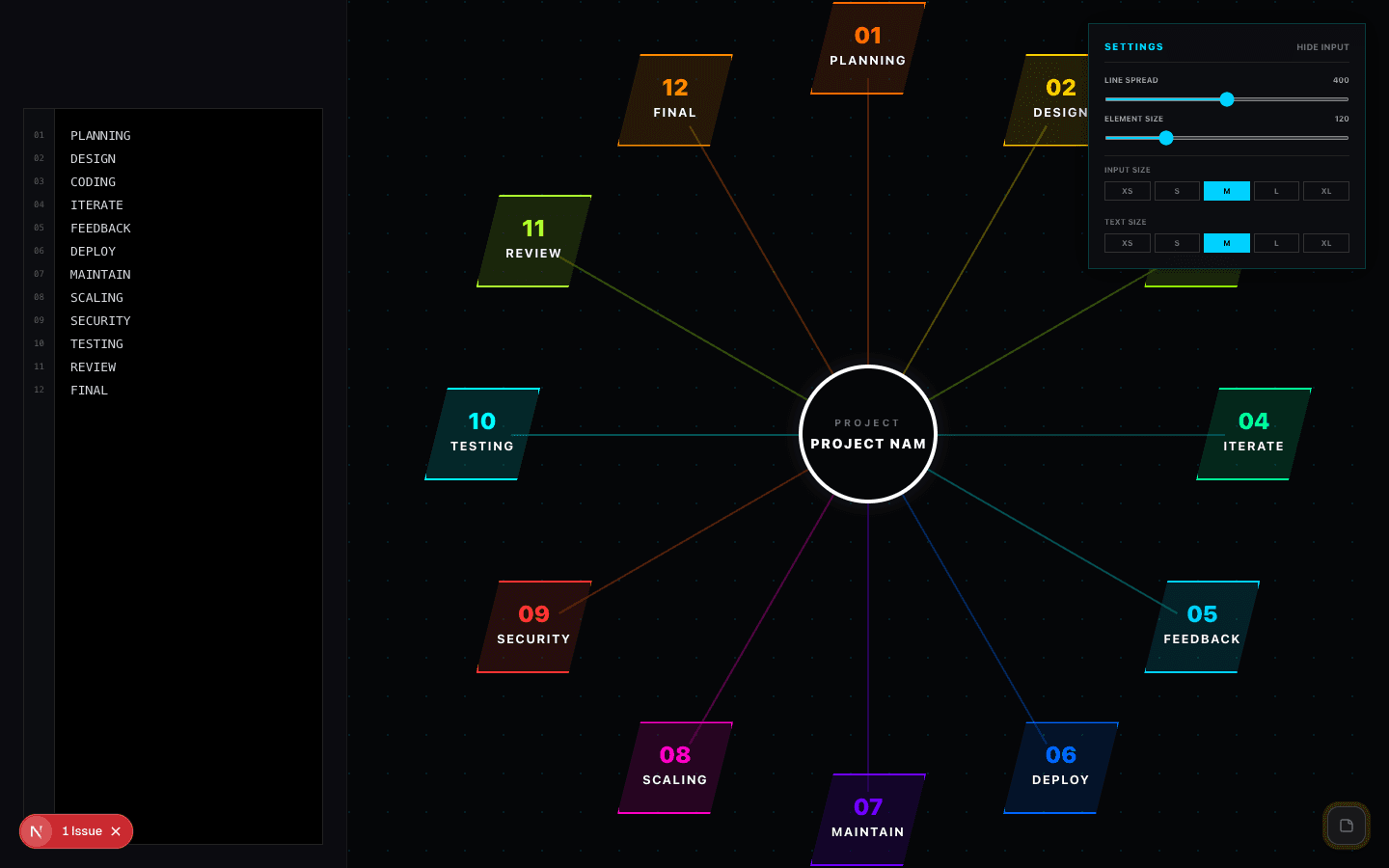
Items arranged around the perimeter of a circle, connected to a center node by connectors. Adjustable node spread and element size. Up to 12 items. Best for: team diagrams, responsibility maps.
List Nodes — Elliptical graph
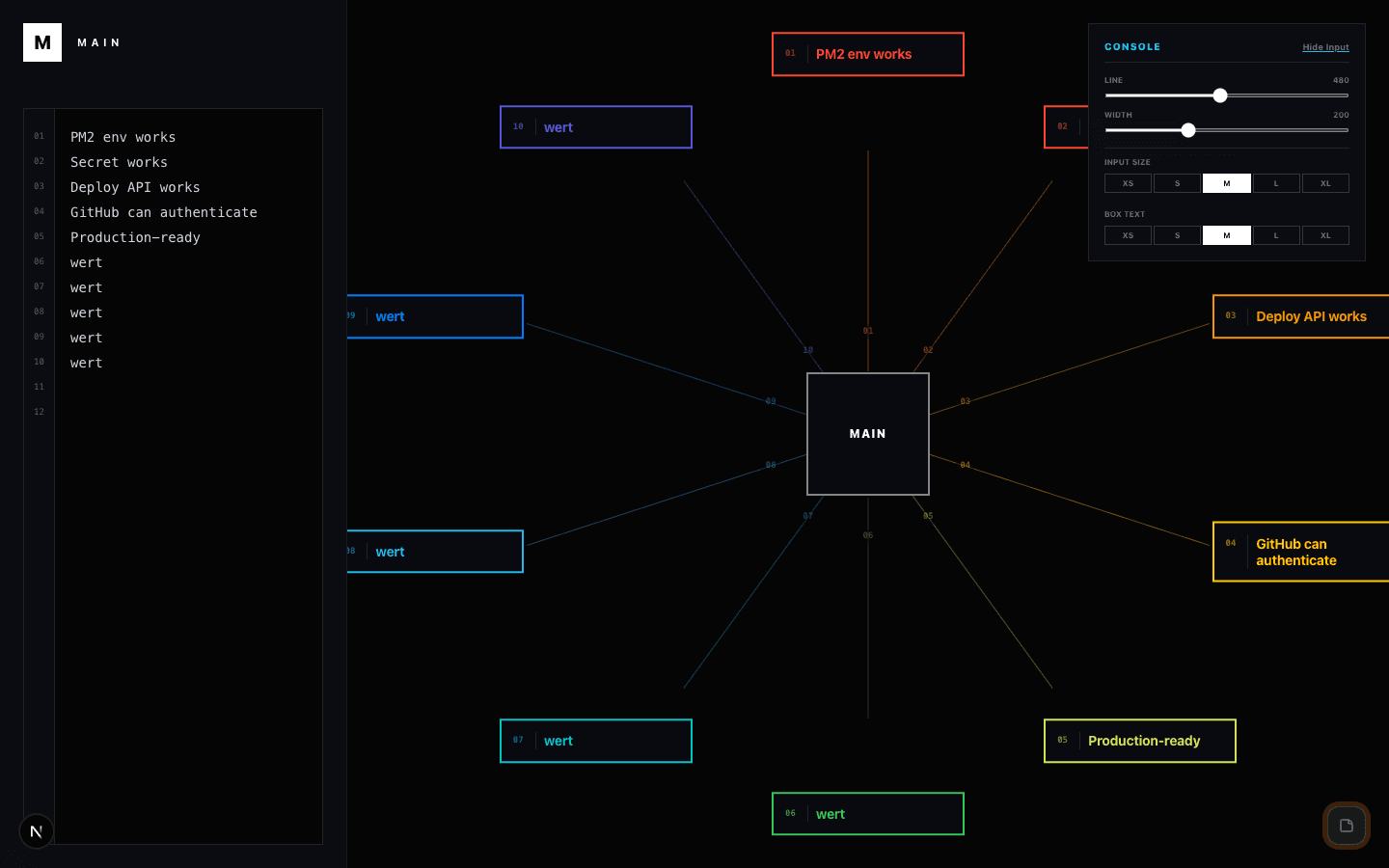
Items arranged in an ellipse around a central hub. Tighter spacing than Circular, better for more items. Best for: stakeholder maps, dependency rings.
List Ring — Donut segmentation
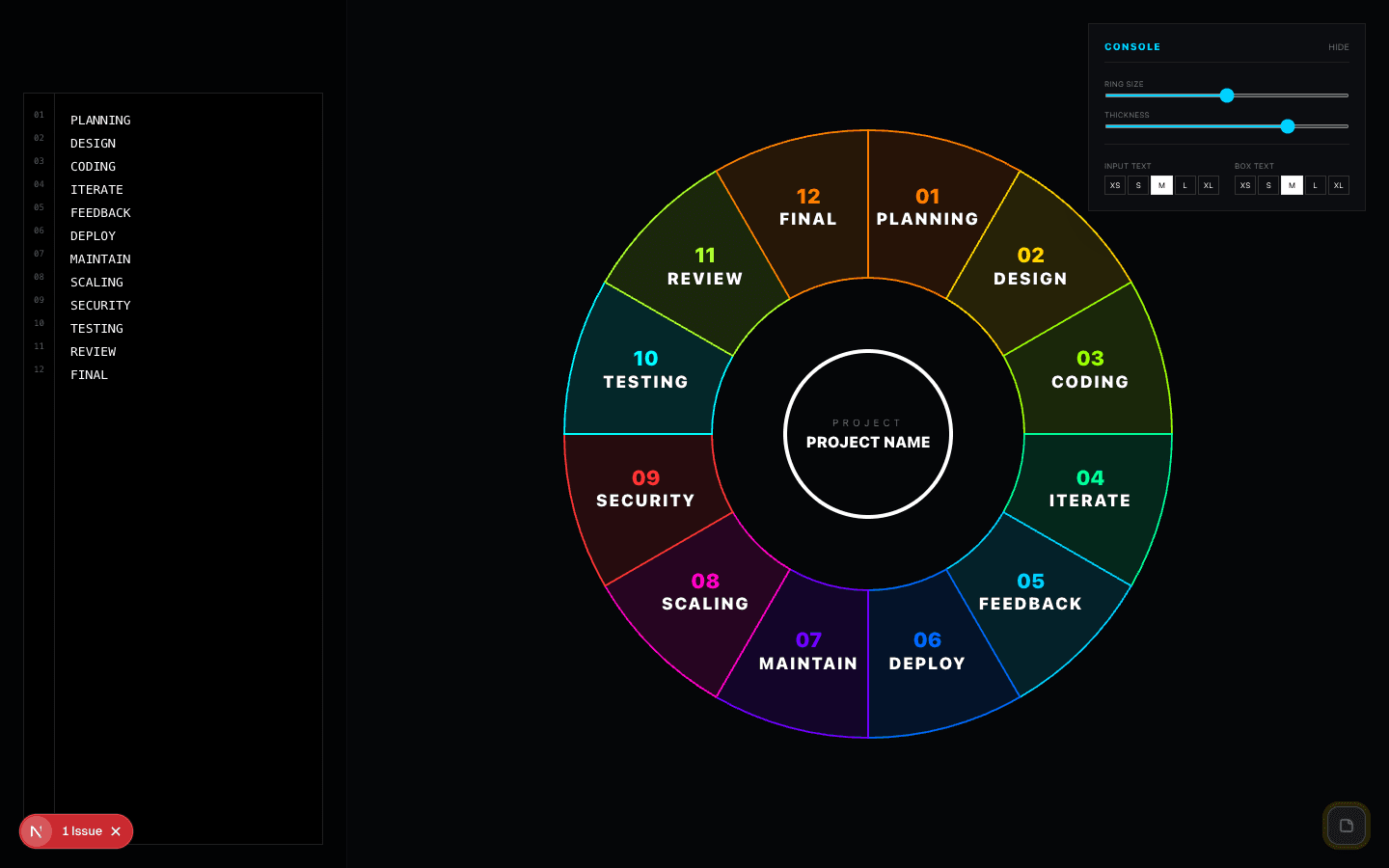
Items as colored segments of a ring (donut chart style). No center node — each segment is a peer. Adjustable ring thickness, label placement, and text sizing. Best for: category breakdowns, proportional representations.
Which to use
| Renderer | Max items | Best for |
|---|---|---|
| CLAW | Unlimited | Mind maps, ideation |
| Circular | 12 | Team/role diagrams |
| Nodes | 12 | Dependency graphs |
| Ring | 12 | Category proportions |
Comments
Be the first to leave a comment.
Related Posts