Claude Code for Beginners: 8 Practices That Actually Matter
Bunlong Heng
March 7, 2026
Most beginners open Claude Code, type a vague request, and wonder why the output misses the mark. The tool isn't the problem — the habits are. Here are 8 practices that change everything.
1. Put a CLAUDE.md at your project root
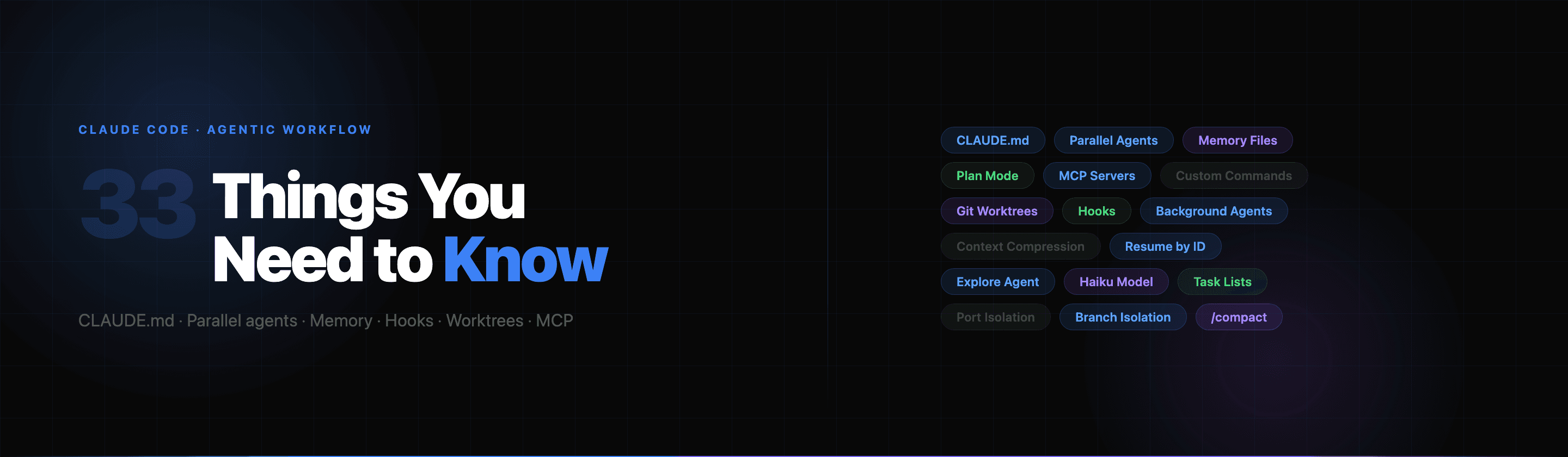
This is the single most important thing you can do. Drop a CLAUDE.md file next to your package.json and Claude reads it automatically at the start of every session — no copy-pasting context, no re-explaining your stack.
Write down your framework, naming conventions, banned patterns, and anything you'd tell a new teammate on day one.
Claude will follow these rules without being asked every time.
2. Be specific — Claude isn't a mind reader
"Fix the bug" gets you a guess. "The login button on /auth/login isn't submitting — check the handleSubmit function in components/LoginForm.tsx" gets you a fix.
The more context you give upfront, the less back-and-forth. Treat Claude like a senior dev who just joined the team — smart, but needs direction.
3. Use Plan Mode before any big change
Before Claude writes a single line for a complex task, type /plan. Claude will explore the codebase, map out what needs to change, and show you the approach — before touching anything.
This saves you from half-implemented changes and "wait, that's not what I wanted" moments. Review the plan, tweak it, then approve.
4. Read before you edit — Claude does too
If you ask Claude to modify a file it hasn't read yet, the result will be a guess. Claude's workflow is: read → understand → change. If it skips the read step, push back.
A good sign: Claude calls the Read tool before the Edit tool. If it goes straight to editing, ask it to read the file first.
5. Use /clear when context gets stale
Long conversations accumulate noise. Old file versions, abandoned approaches, and wrong assumptions pile up and start polluting responses. When a conversation has gone sideways or you're starting a new task — run /clear.
Fresh context, clean slate. Don't be afraid to use it often.
6. Let Claude run commands — but review them
Claude can run terminal commands, install packages, commit code, and push to GitHub. This is powerful, and slightly dangerous if you're not paying attention.
Get into the habit of reading every command before approving it. Claude will explain what it's doing — take 5 seconds to verify. Especially watch for anything with rm, --force, or push.
7. One task at a time
Giving Claude three things to do at once usually means two of them get done wrong. Break work into focused tasks: "Update the header component" is better than "Update the header, fix the mobile nav, and add a dark mode toggle."
Finish one, verify it works, then move to the next.
8. Use memory files for things you repeat
Claude has a memory directory (~/.claude/projects/.../memory/) where it can save notes that persist across sessions. If you find yourself re-explaining something every session — your preferred testing approach, a tricky database schema, a recurring pattern — ask Claude to write it to memory.
Done. It'll know next time.
The pattern across all 8: give Claude structure and it gives you results. Context files, clear requests, plan mode, and clean sessions turn it from a chatbot into a real development partner.
Start with CLAUDE.md. Everything else follows from there.
Comments
Be the first to leave a comment.
Related Posts