PDF → Mermaid: AI Diagram Extraction
Bunlong Heng
October 20, 2025
How many times have you received an architecture diagram as a PDF, needed to edit it, and had to redraw the whole thing from scratch? PDF → Mermaid solves that.
What it does
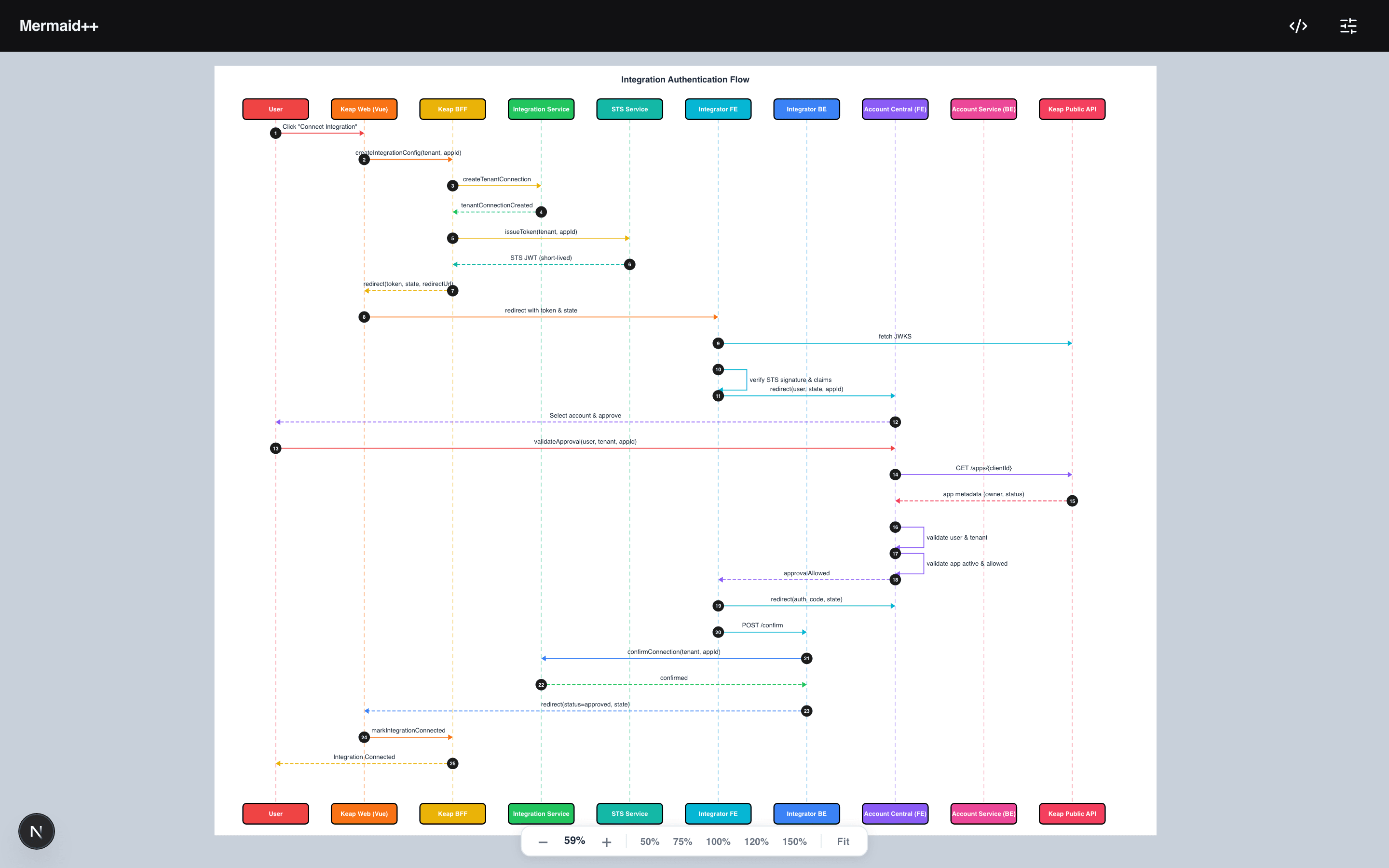
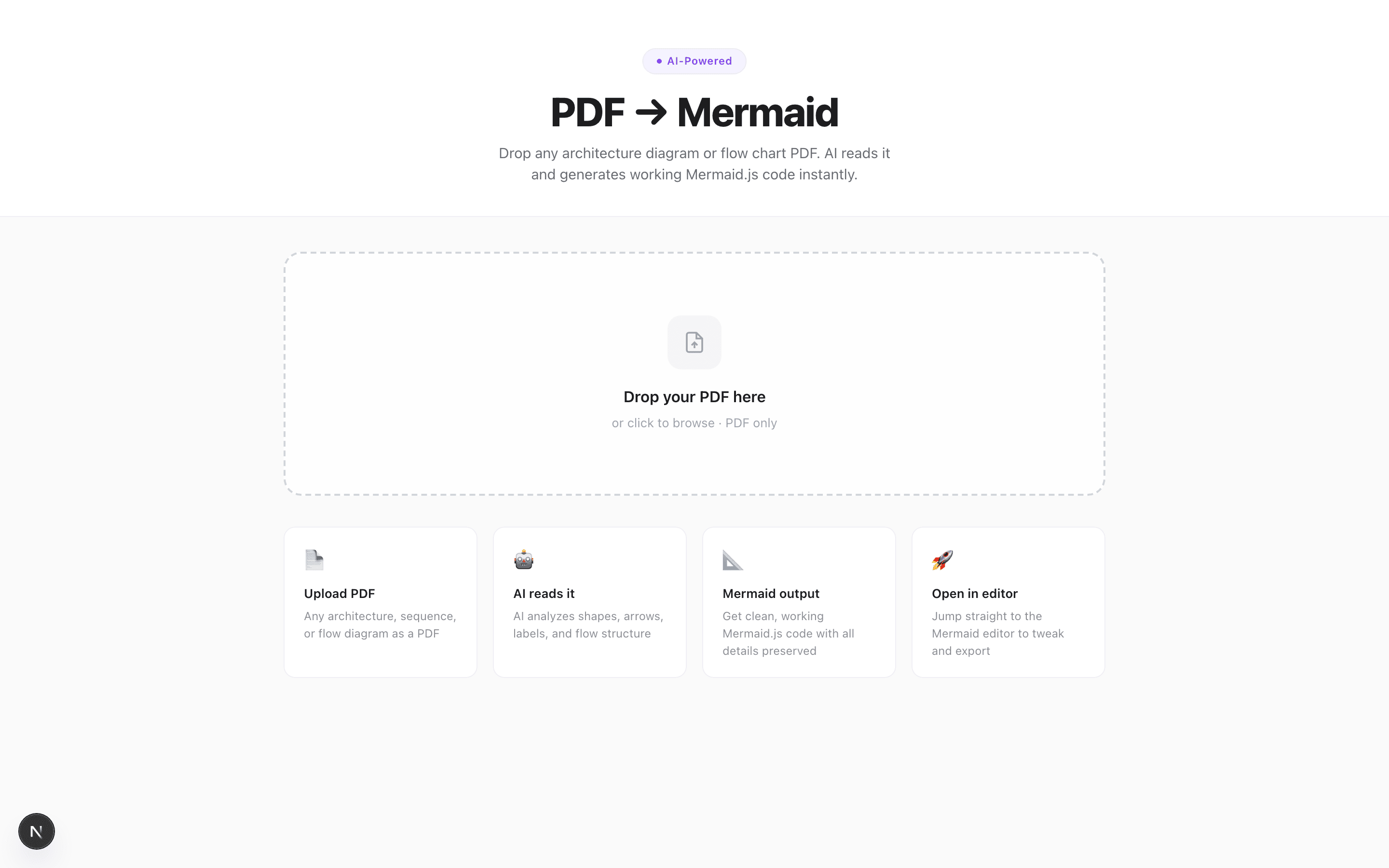
Drop any PDF containing a sequence diagram, flowchart, or system architecture onto the page. The tool sends the PDF to OpenAI's vision API, extracts the diagram structure, and returns clean Mermaid.js code — ready to paste, edit, or open directly in the Mermaid editor.
Features
- OpenAI vision backend — GPT-4o reads the PDF as an image and extracts relationships
- Token counter — shows input/output tokens used per request
- One-click copy — copy the generated Mermaid code to clipboard
- Open in Mermaid editor — passes the code directly to the Mermaid tool via
localStorage - Live preview tab — render the extracted diagram before copying
- Drag-and-drop + click-to-browse — any PDF input method works
- Error state handling — clear messages when extraction fails or diagram is ambiguous
How it works
The API route converts the PDF to base64, sends it to OpenAI with a carefully engineered prompt that instructs the model to:
- Identify all participants/actors in the diagram
- Trace every message/arrow between them
- Preserve directionality (solid vs dashed arrows)
- Output valid Mermaid
sequenceDiagramsyntax
The prompt includes explicit instructions not to hallucinate participants that aren't visible and to use standard Mermaid arrow syntax (->>, -->>, ->, -->).
The integration trick
The most useful feature is the "Open in Mermaid Editor" button. When clicked, it:
- Writes the generated code to
localStorageunder the key"nsd-code" - Opens
/tools/mermaidin a new tab - The Mermaid editor reads that key on mount and populates the code editor
Zero URL encoding, zero query string size limits — just clean browser storage handoff.
Screenshots
Comments
Be the first to leave a comment.
Related Posts